progs4u

A small self-hosted lab.

One server, a lot of carefully wired open-source tools and a few projects of my own. Half of it is open to everybody, the rest is behind a login — and every login is granted by hand, one person at a time.

The lab is run by Dominic Messner and an AI agent, together: the agent writes and deploys the code, wires the services, reads the mail and answers the phone line; I decide what gets built and who gets in. That division of labour is the most interesting thing about this machine — and where a tool is somebody else's work, the page says so.

6 tools open to anyone 9 more behind a login accounts on request no trackers, no ads

Open to everyone

No invitation needed. Four of these work without an account at all; the file share and the AI platform keep their own sign-in. Where a tool was written by someone else, that is said on the card — nothing here pretends to be ours.
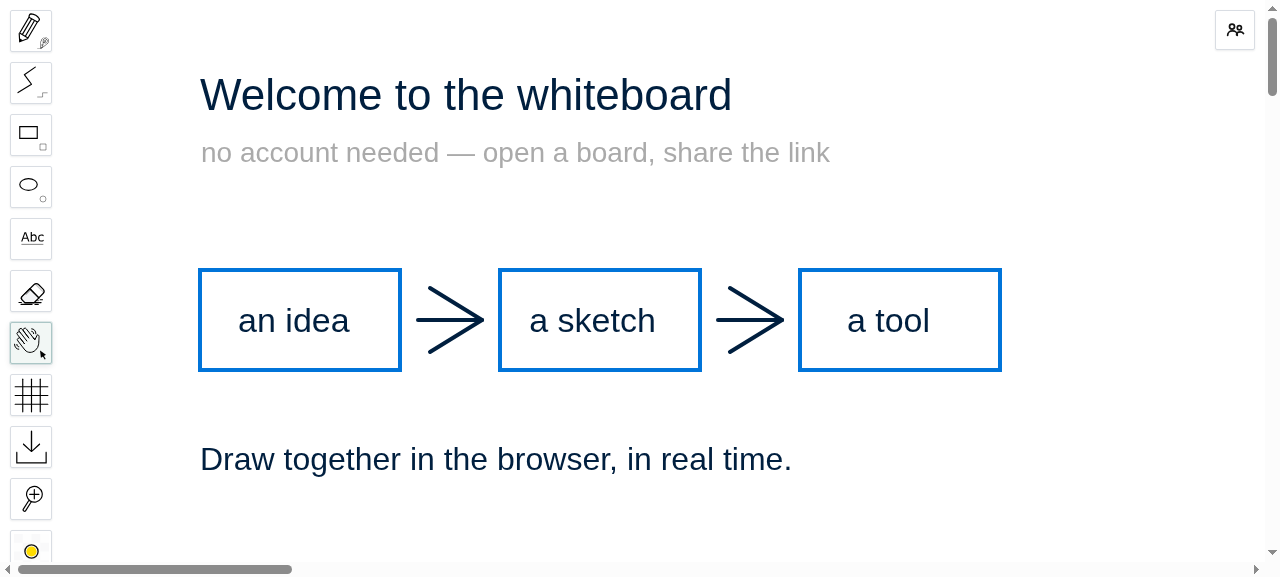
Whiteboard with drawings and text

Whiteboard

wbo.progs4u.com

Draw together in the browser in real time. Open a board, share the link, no account needed on either side.

Deliberately public, and the tool here that gets used by people who never heard of this machine: someone needs a board now, not an account.

Software: WBO / Whitebophir by lovasoa (AGPL) — we host it, we did not write it. github.com/lovasoa/whitebophir

Open the whiteboard →
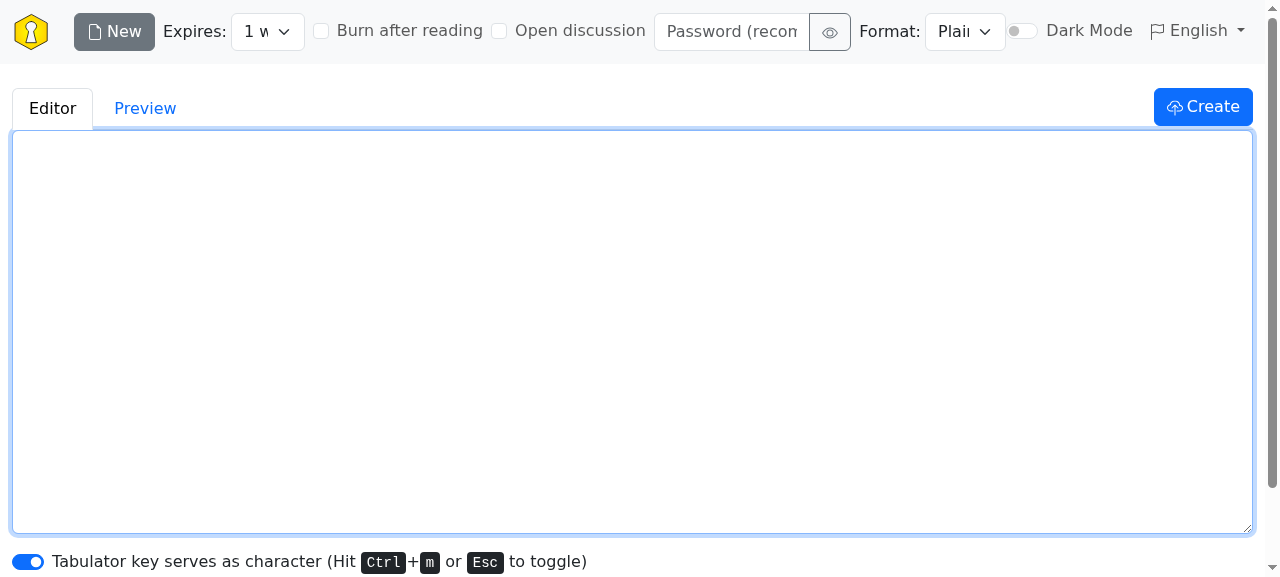
Encrypted paste editor

Pastebin

bin.progs4u.com

Send someone a password or a log without leaving it in a chat. Text is encrypted in your browser before it is stored — the server only ever holds ciphertext.

For the one job chat does badly: hand something over once, with an expiry date, and keep no copy of it.

Software: PrivateBin — not ours, and deliberately so: the less of our own code touches your ciphertext, the better. github.com/PrivateBin/PrivateBin

Create a paste →
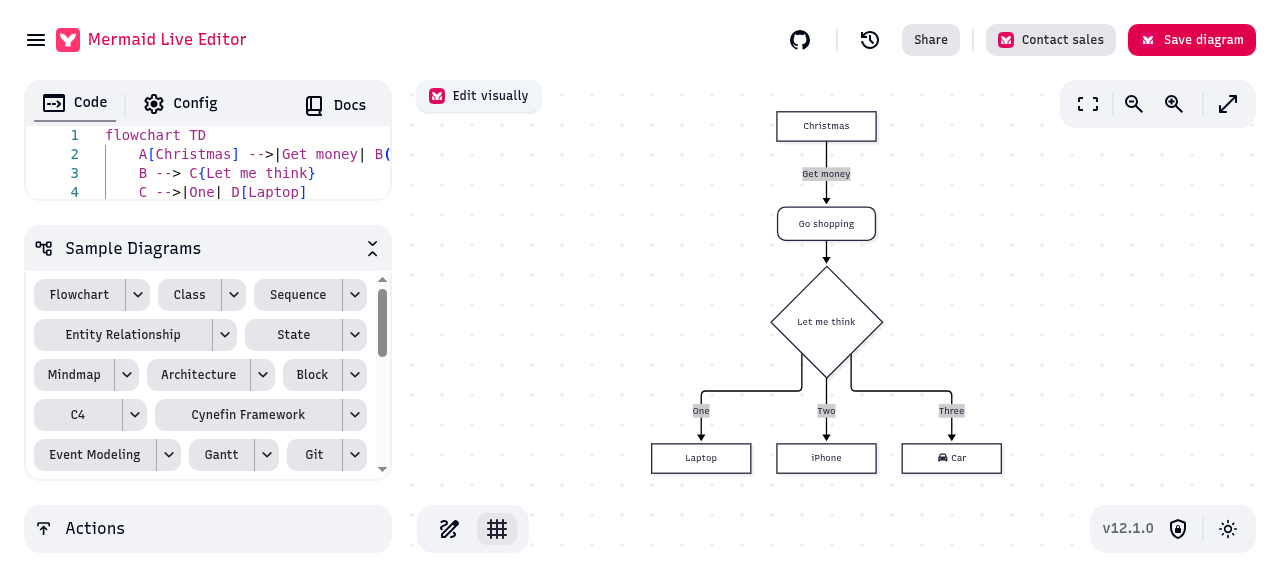
Mermaid diagram editor

Diagram editor

mermaid.progs4u.com

Turn plain text into flowcharts, sequence and architecture diagrams. Edit, export, done.

Text in, picture out — no dragging boxes. The layout of this machine was drawn here before it was built.

Software: mermaid-live-editor by the mermaid-js team, drawing engine “mermaid” (both MIT) — hosting is the only part that is ours. github.com/mermaid-js/mermaid-live-editor

Open the editor →
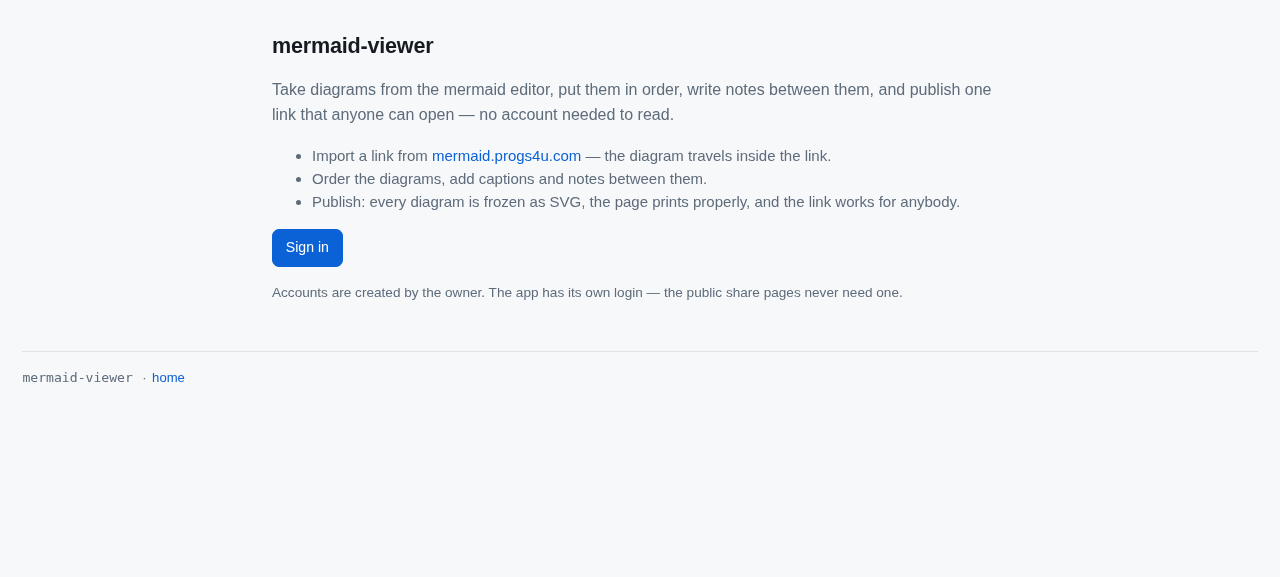
Diagram document viewer

Diagram documents

mermaid-viewer.progs4u.com

Collect diagrams into one document, add notes between them, publish a single link that anybody can open — no account needed to read it.

Built here, because a folder of diagrams explains nothing. The document is the explanation; the diagrams are its illustrations.

Software: our own — and honest about it: the rendering inside it is mermaid, the document layer around it is what we wrote.

Open the viewer →
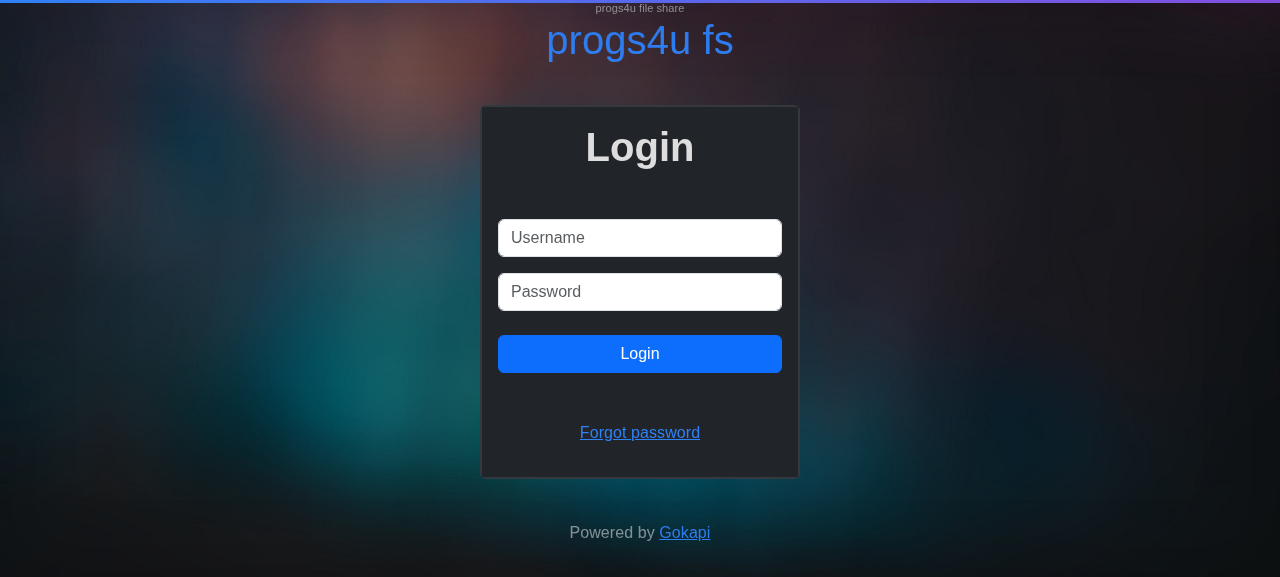
File share login

File share

fs.progs4u.com

Hand out files with an expiry date and a download limit, instead of attaching them. Links stop working on their own.

An attachment lives in two mailboxes forever. A link here stops working when it should, or when you say so.

Software: Gokapi by Forceu — a Firefox-Send alternative, set up here with end-to-end encryption; the code is upstream's. github.com/Forceu/Gokapi

Open the file share →
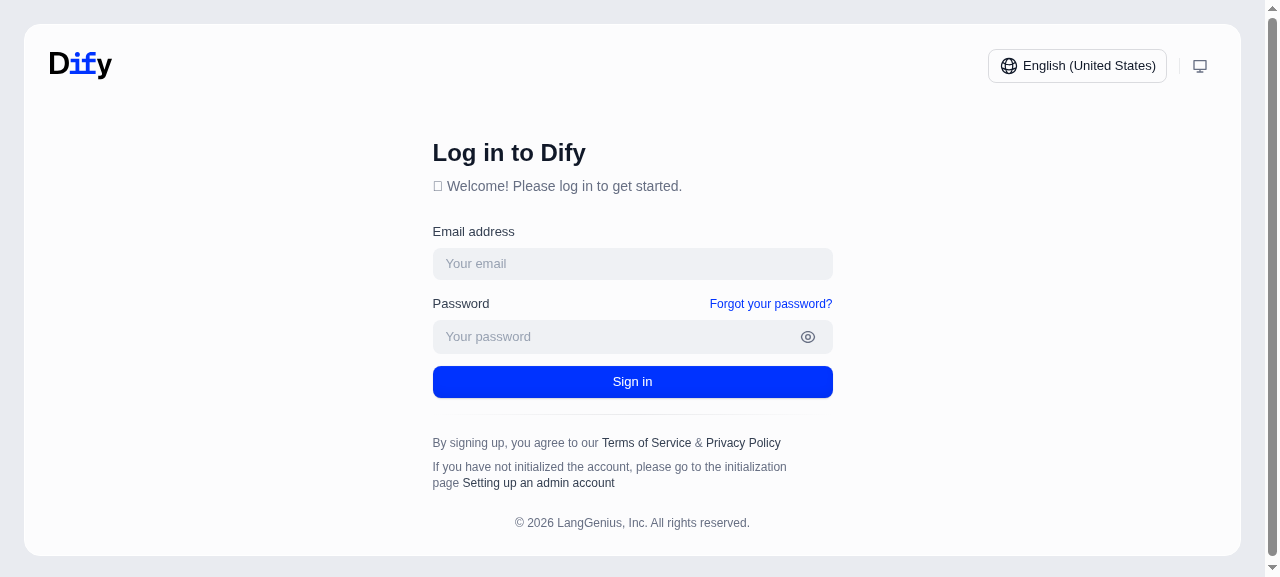
AI application platform sign-in

AI application platform

dify.progs4u.com

The workshop where the assistants and automations behind this lab are wired together. Public instance, own accounts.

Open because it is more useful open: the assistants that answer the phone line and sort the mail were built here first.

Software: Dify by LangGenius — open source, run here unmodified. github.com/langgenius/dify

Open the platform →

What is behind the login

Accounts are granted per person and per tool — you get the doors you need, not the whole house.

  • Your own page, right after login. Two lists, kept apart: what was opened for you personally, and the projects that are public by nature. No menu of things you cannot open.
  • Automation: n8n and Node-RED, wired to a message broker (Eclipse Mosquitto) on the same private network, so flows talk to each other and to the tools. This is the plumbing behind the rest of the list.
  • The tab player. It's MyTabs by louislam — a guitar and bass tablature player with audio sync and a MIDI synth — running here with a fork we maintain, which also reads PDF tab books, so scanned sheets and .gp files end up in one playlist.
  • A self-hosted AI workspace. Odysseus: chat, its own document store and its own web search, on this machine — a conversation does not have to leave it.
  • A voice line. A real Austrian phone number, answered by an assistant that takes the call, understands what is wanted and can call back. From outside it is invisible today — and it is the most unusual thing on this machine.
  • Everything is logged. Logins and access are recorded, so it is always clear who opened what.
Currently behind a login
portaln8n node-redmqtt tabsdev-tabs voice linechat snapotter

Each hostname sits behind Cloudflare Access: an email address is invited, logs in with a one-time code, and only then reaches anything.

Credit where it is due — these are other people's projects, run here: n8n, Node-RED (OpenJS Foundation), Eclipse Mosquitto, It's MyTabs by louislam (the PDF support in our fork is ours), Odysseus by odysseus-dev, SnapOtter. Our own work is the portal, the voice line, the diagram documents and the glue that holds the rest together.

How we work together

Two of us run this: Dominic, who decides, and an AI agent, which does the work on the machine. We talk over four channels — none of them a chat window somebody has to keep open, and every one of them leaves a record.

  • Mail. The agent has its own address, [email protected]. Only my own two addresses get through it; everything else is refused at the door. I write a sentence, and the answer comes back in the same thread with what it actually did.
  • Chat. A channel on the Buzz network for the quick back-and-forth and for the reports: the daily maintenance run, the mail it handled, the requests waiting for a decision. Where I answer in three words, it does the work.
  • The phone. The voice line on this machine is our own: the agent answers it, and it calls me when a job is finished — a spoken summary is sometimes the whole status report.
  • The portal. robot.progs4u.com is the agent's own dashboard: every service with its health, the maintenance history, who logged in when and what was opened. What it claims, I can check.
Who does what
  • The agent: writes and deploys the code, wires the containers, watches the services, reads the mail, answers the phone.
  • I decide: what gets built, who gets an account, and anything that touches access, money or data — the agent asks first and does not act on its own there.

Its account on the machine is a plain unix account, not root: a handful of named jobs — reload the web server, add a project, take a backup — and nothing beyond them. Every job it runs is written down.

How it runs

The boring parts, done properly — this is the part I actually care about.

What's new

Written down as it happens, and the page republishes itself every morning — a page that never changes is a page nobody needs to visit twice.

2026-11-01 The map of it — The portal now carries an index of every process with the links that reach it, and a tree underneath that shows what is connected to what — read from the platform's own records, so it cannot fall behind.

2026-10-13 Open to read — progs4u.com is reachable without a login from now on: anybody can read what runs here, open the public tools, and ask for an account from the page.

2026-10-13 The two of us — The page now says it out loud: this lab is run by Dominic Messner and an AI agent together, and every tool here that was written by somebody else is credited to them.

2026-10-13 A front page — progs4u.com stopped being a placeholder: what runs here, what is open to anybody, and how to ask for an account.

republished 2026-11-02 06:18 UTC · server up 14 days · 30 services running · 12 projects on the box · last nightly backup 2026-11-02 — all entries

Request an account

Tell me who you are and what you would like to use. Requests are read by a person; access is granted by hand and can be taken back the same way.

  • You get a mail from a real person, not an autoresponder.
  • Nothing is granted automatically, and nothing is shared with anyone else.
  • You can ask for one tool or several — you keep exactly what you are given.
  • Only what you type here is stored: your name, your address and your message.

Goes straight to the request queue behind this page. Requests are answered by hand, usually within a day or two.